Duxbury & South Shore MA Photography
If you are a client (or future client) and you’ve ever wondered why photo sessions cost what they do or about what it takes to run a photography business (spoiler- it’s not just a camera!) I’m giving you a behind the scenes look.
And if you’re a newer or aspiring photographer, I’m sharing the real behind-the-scenes tools and systems that keep my workflow consistent, organized, and safe.
From the outside it can look like all I have is my camera, meet you for an hour to take photos, edit, and then send the photos along. Seems simple. In reality it took me years to build my style, refine my editing, and create systems that make the experience smooth for clients and reliable for me.
When you book a photographer, you’re investing in a full-service process, not a quick click and upload. From preparation and direction to careful culling and editing, it’s built on years of learning, refining, and showing up with intention.
These are the tools and systems I use to run my photography business, protect your images, and deliver a gallery you can enjoy. It’s not just “click a button and hit export.” It’s a full workflow with many steps, and these tools are a big part of what makes it possible.
Quick note: Some links in this post are referral or affiliate links, which means I may earn a small commission if you purchase through them (at no extra cost to you). I only share what I genuinely use and love.
The Tools I Use (and Why)
My Website (How you Find Me)
First you have to find me! If it’s not word of mouth or social media, its my website. For my website I use the company Pixieset, which is built for photographers, and I have it hosted by GoDaddy so there are two separate yearly subscriptions. I’m frequently updating my website and portfolio so it stays current.
👉 For photographers: my Pixieset referral link is HERE
Client Experience and Booking (CRM)
One of the most important parts of my business is like my assistant or the “brain” of my business- my CRM (customer relationship management). There are many out there but I use and love Studio Ninja. This is what keeps inquiries, contracts, invoices, emails, questionnaires, and reminders organized in one place so nothing gets missed. It also makes the booking process simple and professional for clients. These take so much time to get set up initially and I’m always updating things depending on my offerings. Anytime I add something new, like a mini session for example, that means building a new workflow and invoice, emails, etc. This automates the booking system for you. This is a yearly subscription and worth every penny!
👉 If you’re a photographer, here’s my StudioNinja promo code for 20% off: BGTW32F1PA2XN3
My Computer
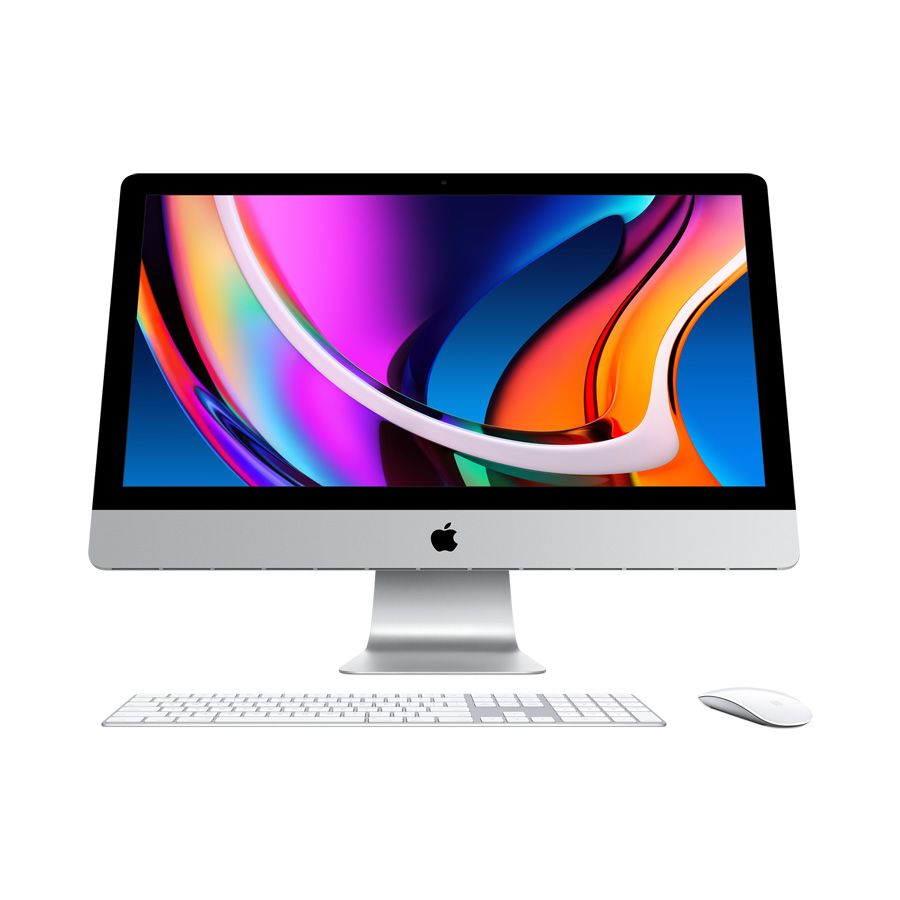
I use a 24” Mac desktop. I also have a MacBook Pro for traveling but I have a hard time editing on the smaller screen. I love my big desktop screen! I can really zoom in and see it all and I work much faster on it.
Computer Accessories
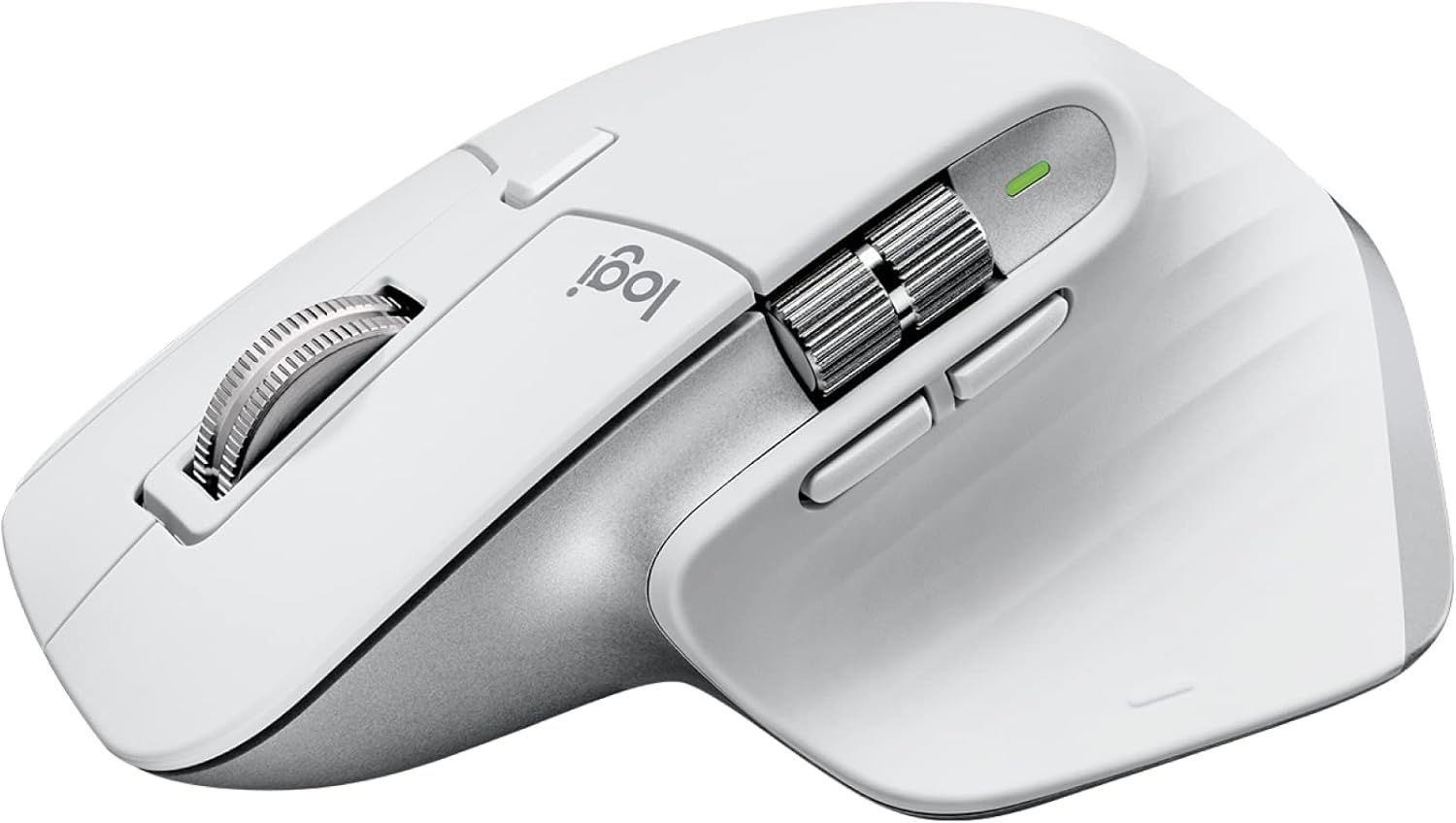
I recently got a Logitech mouse and I love it because it’s more ergonomic than the generic apple mouse. My hand doesn’t cramp up anymore and it doesn't make a loud click like my mac mouse did. My husband and I share the office in our house a couple days a week so I’m sure that got really annoying when I was doing repetitive dust removals!
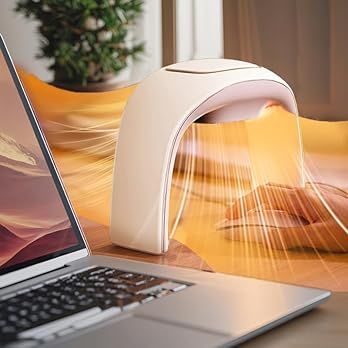
Oh and something I got this year to help with my cold hand while editing- a hand warmer that goes above my hand/mouse. I love it!
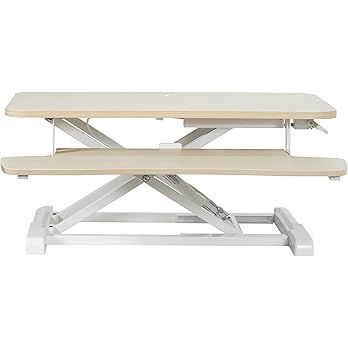
Stand up Desk: I started using a standup desk this year and I love it! I can sit or stand whenever I want within seconds. It goes on top of my regular desk so it can make any desk a standup desk.
👉 All items linked below. Click on Image:
Culling and Editing
For a one hour session, I usually spend up to 5+ hours culling, editing, uploading your gallery. This amount of time varies from one photographer to the next, but this is the way I find I’m happiest with what I’m delivering. I am extremely picky with my photos and take time to make sure they are perfect (or close to it) before I deliver them.
Culling is where I go through everything we shot and choose the strongest images. The best expressions, the best connection, the most flattering moments. This step matters more than most people realize.
I subscribe to Narrative Select for culling. It incorporates some AI to help you find the best images. It can rule out blinking photos, blurry photos and help you select the best image out of a bunch of similar ones. Despite how awesome it is, I still go through most images I take so I have full creative control, but this helps me do it faster.
👉 Photographers- Check out Narrative HERE
Lightroom- Editing and some more culling
I remember the early days when Lightroom and Photoshop were software that you bought from the store (a disk) and could upgrade to the next version every couple of years. Now, it’s a monthly/yearly subscription, but they are constantly updating and improving the software and it's incredible what it can do now!
After culling through, I take my chosen images into Lightroom. Adobe Lightroom is where I do the full-gallery edits: exposure, color, and consistency so everything looks cohesive.
AI Editing (for my proofs)
AI editing has become a common tool for photographers over the past couple of years and most photographers I know are using it. It speeds up the editing process and gets you your photos faster. I use Imagen AI for my proofs ~75% of the time. I’ve trained my profile with thousands of images of mine to create my preset. However, I still go in to each of them to add a few finishing touches before you see them which is why editing takes so long.
👉 For photographers: My Imagen referral link. You’ll get 1,500 free edits
Photoshop- final polishing if needed
Photoshop is for the occasional extra help, like removing distracting items or handling more detailed retouching when needed.
File Safety: Storage + Backups
This part isn’t glamorous, but it’s essential. I use multiple layers of storage and backup to keep images protected. Memory cards, external hard drives, and cloud storage add up, but they’re part of running a reliable business. I can sleep at night knowing that your photos are safe once I put them on my hard drive!
Inside my camera I shoot on 2 small SD cards, just in case one of them fails. I have about 20 of these and have to replace them every couple of years.
Cloud Storage
I subscribe to Backblaze. I’ve had it for years and it gives a piece of mind if something happens to my computer or hard drives.
External Storage
I have large hard drives that I work off of and keep most of my files on. I need a new one every year or two since they do fill up. These keep large photo files off my computer hard drive so it doesn’t fill up or slow down. These are backed up with Backblaze.
Gallery Delivery
Pixieset is not only for my website, but also where clients receive their online gallery. I upload the final edits to a new gallery for you here. It’s clean, easy to use, and makes downloading and ordering prints straightforward.
👉 My referral link for 20% off
Camera Gear I Rely On
Reliable gear matters, especially for fast-moving families and in-home newborn sessions where light changes quickly. Here’s what I use most often:
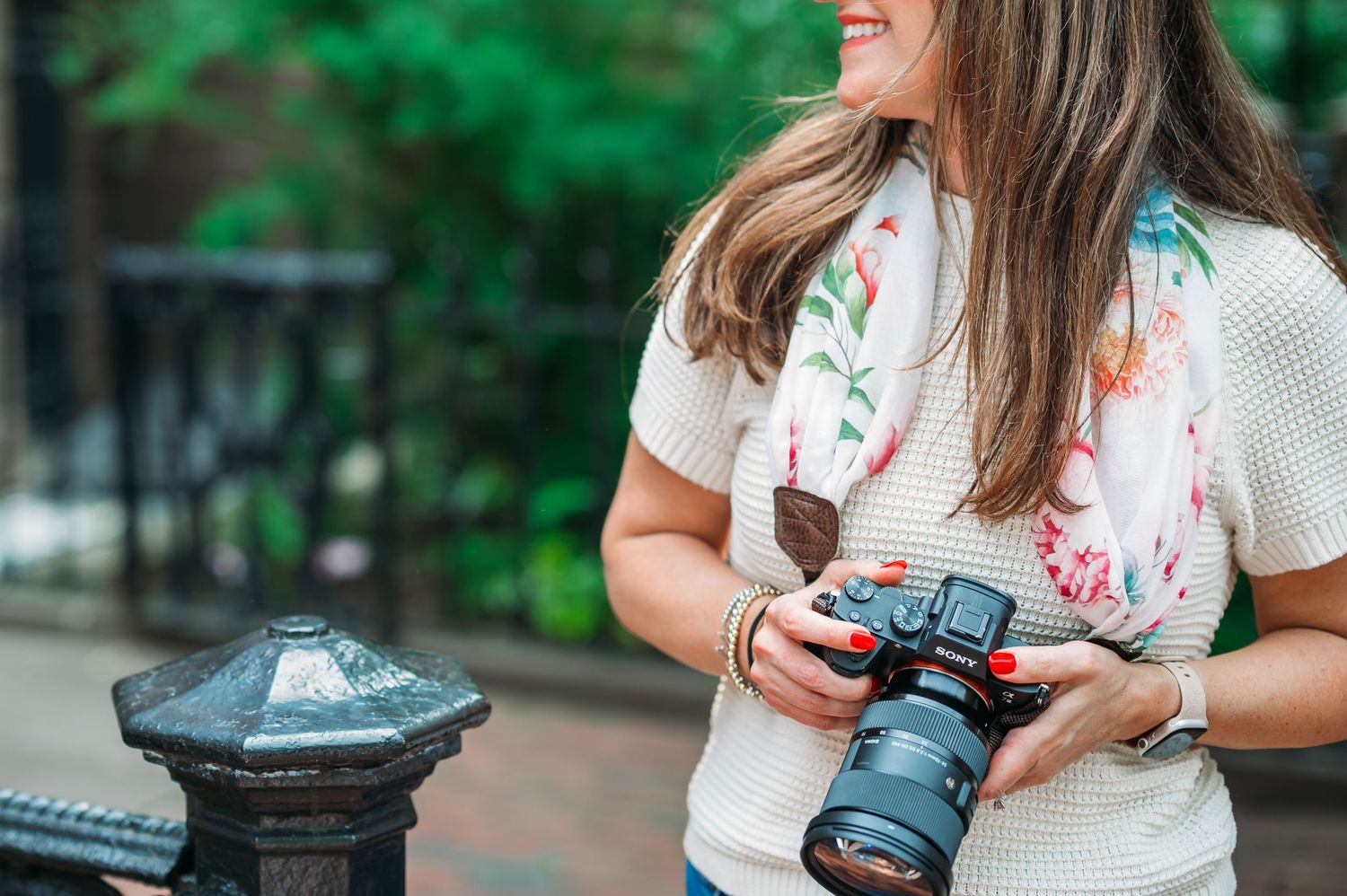
Camera bodies: Sony a7IV mirrorless and the Sony a7III mirrorless
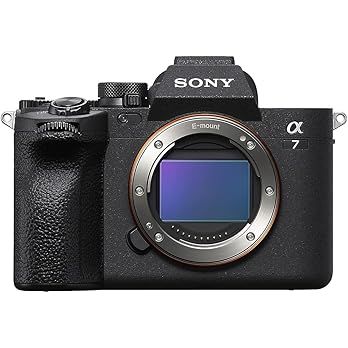
Sony a7IV
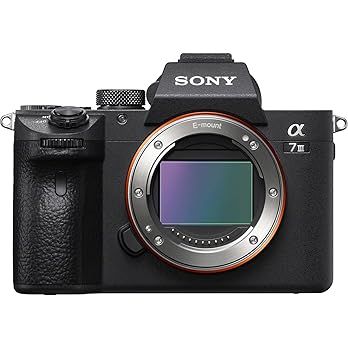
Sony a7iii
Lenses
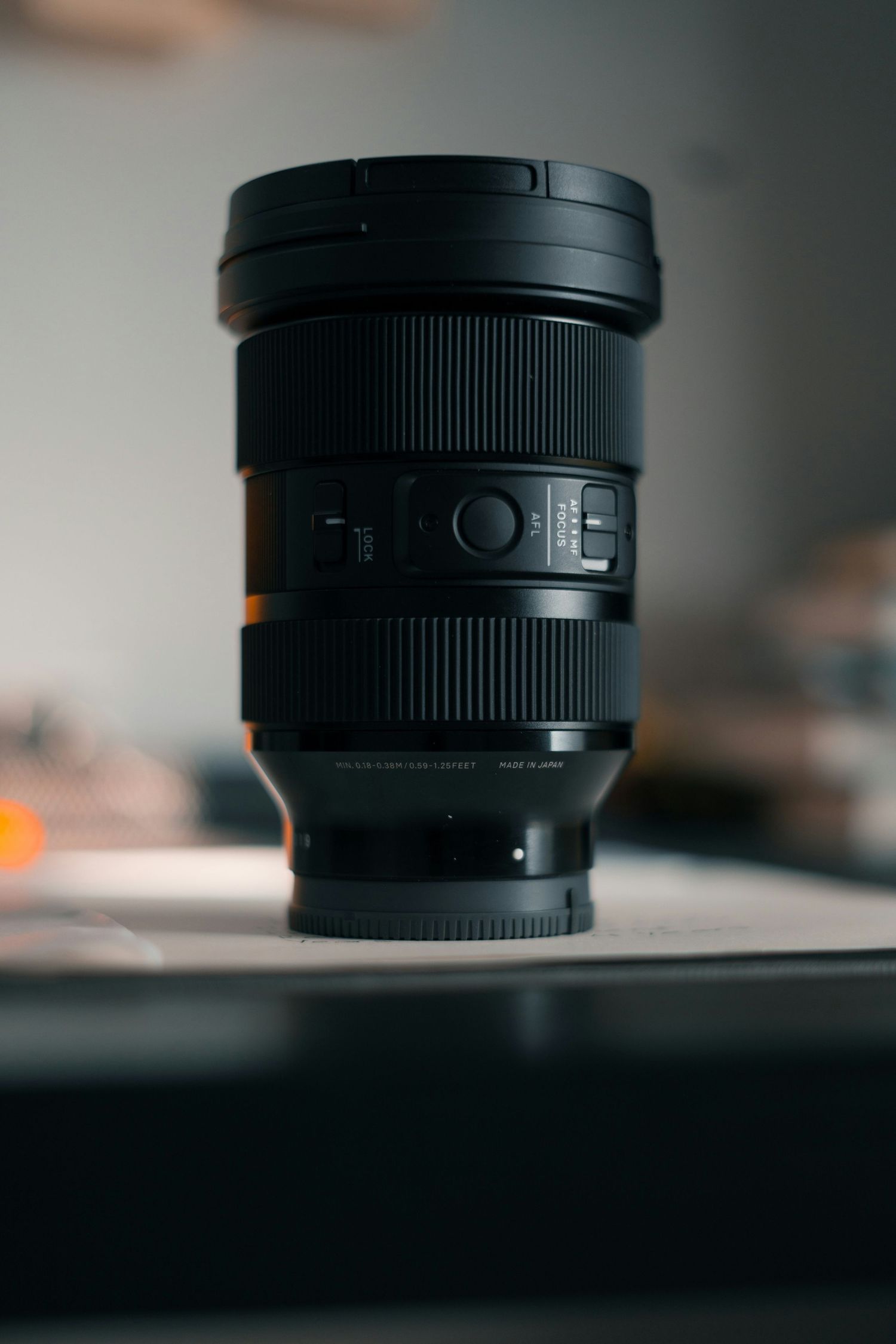
I use all Sigma Art series
24-70:
My zoom lens is super versatile and I use it mostly for mini sessions, in-home newborn (to get the wide shots).
👉Linked HERE
35mm:
Great for branding sessions or in-home sessions. Lets more light in than my 24-70.
85mm:
My all-time favorite! It gives such nice creamy blur (called bokeh) in the backgrounds. I have to be far from my subject though, so I use it a lot for portraits like senior sessions or branding.
50mm:
My other favorite. A 50mm is the only lens I had for a long time when I got my first DSLR camera. I use this for anything and everything!
Lights
In recent years I started using off camera flash during branding and in-home newborn sessions.
Here is some of the equipment I have:
Magmod- Anything by Magmod is great and super good quality.
Linked on photos below
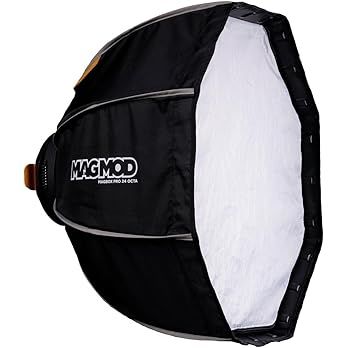
24" Softbox
This helps difuse the light and makes it softer.
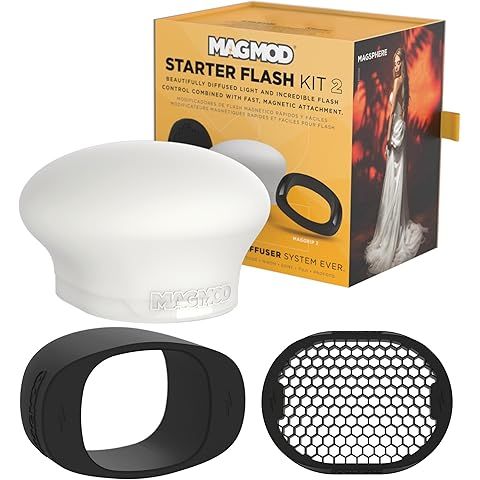
Flash starter kit
This silicone diffuser is great as a starter item with your speedlite. It makes the light less harsh. I use this when I can't use a huge stand with a softbox or for events where I'm walking around. You need the "mag grip" (black oval round piece) if you're going to use a speedlite on the MagMod softbox.
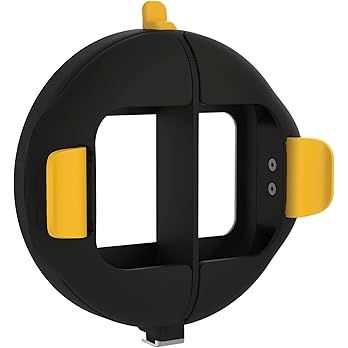
Softbox mount ring
This will magnetize to the back of your softbox and then you can magnetize your speedlite to this.
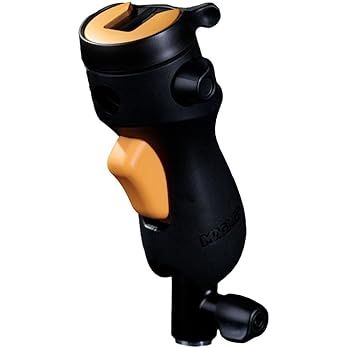
Shoe Mount
Makes your MagMod kid complete. the mount ring slides on this easily and press the yellow button and you can easily angle your light while on the stand.
Godox light equipment:
Linked on photos below
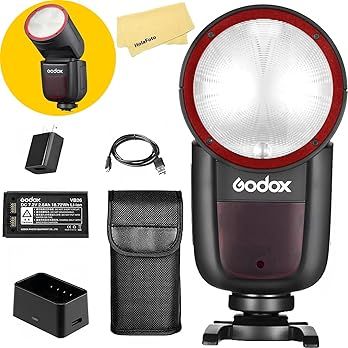
Speedlight
I have a couple of these. They are great for smaller spaces and are super portable.
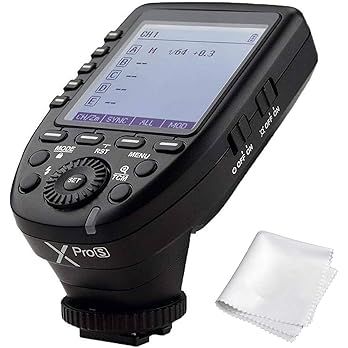
Trigger
You need this to attach to your camera if your flash is placed somehwhere else in the room.
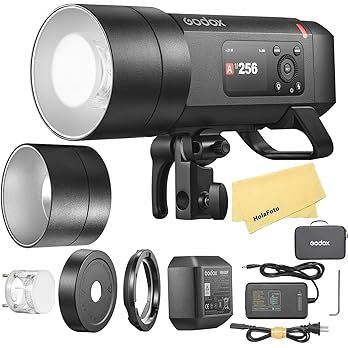
Mono Light/Flash
This is my big boy. I take him out for branding sessions where I need stronger light and for longer use time.
other Extras:
Light stand, extra camera batteries, card reader, are just some of the other things that keep my business functioning smoothly. These are all linked, along with all the above items, on my Amazon recommendations page.
Don't forget business insurance for gear and liability.
Education is also something I invest in each year to keep my mind fresh and aware of all the changing technology and techniques. I do lots of online classes each year and recently did a 6-month long mastermind followed by an in-person conference in Palm Springs, CA. It was an incredible experience!
Why this all matters
These tools help me show up prepared, protect your images, and deliver work I’m proud of and that feels true to my style every time.
When you hire a photographer, you’re not only paying for the session itself, you’re investing in the full process that happens before and after, too. Not to mention all the years I’ve spend perfecting an editing style, learning light, finding favorite locations to take photos, learning how to guide people into natural poses, etc.
From the outside, photography might look like magic. But behind every dreamy gallery is a well-oiled machine made up of planning, communication, editing, delivery, and client care.
If you’re a photographer building your own workflow, I hope this was helpful. Feel free to contact me with any questions. I love talking about photography related anything!
If you’re a current or future client reading this, I hope it gives you a peek into how much care goes into every session.
If you’d like to work together, you can CONTACT ME HERE or browse sessions HERE.
Feel free to shoot me an email if you have any questions about gear, software, or anything else!
Hello@jessicarphotography.com